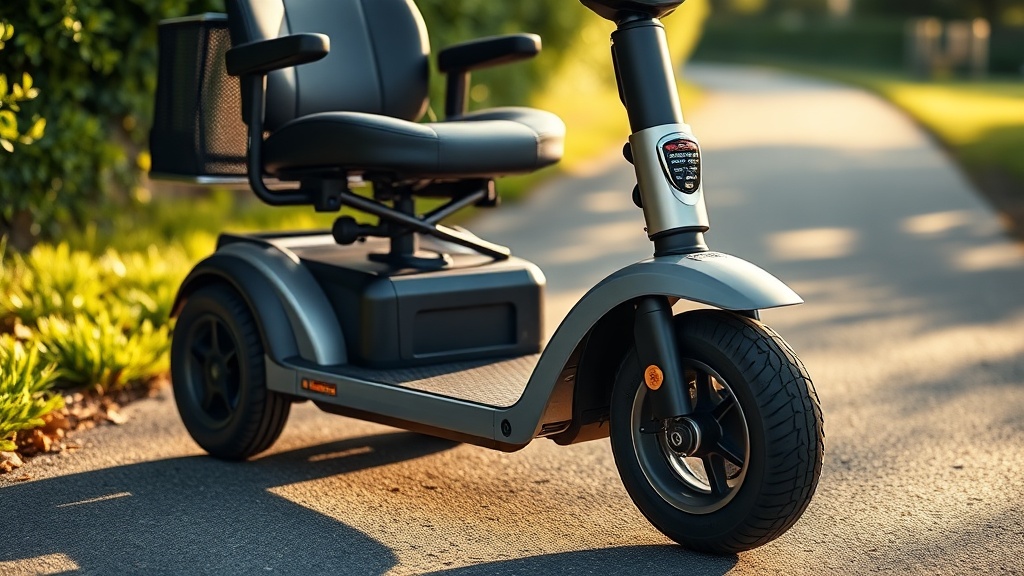
Golden Technologies Buzzaround Troubleshooting: Fixing Steering Wobble and Stability Issues
Owners of the Golden Technologies Buzzaround often praise its compact design and comfortable ride, but some encounter frustrating steering wobble and stability concerns over time. This guide focuses on diagnosing and fixing those specific issues, helping you restore confident control without unnecessary trips to a repair shop. By addressing common causes like worn bearings, loose components, and tire imbalances, you can extend your scooter’s life and enjoy smoother, safer rides.
What Causes Steering Wobble on a Golden Technologies Buzzaround?
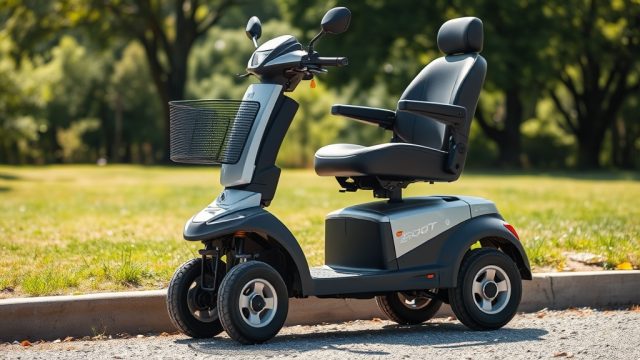
Steering wobble typically originates from play in the front-end assembly, wheel bearings, or tire irregularities. On the Buzzaround, the most frequent culprit is a loose or worn headset bearing—the set of bearings in the steering column where the handlebars connect to the front fork. Over time, daily use and road vibrations can loosen the locknut or cause the bearings to wear unevenly, creating a noticeable shimmy at speeds between 3–5 mph.
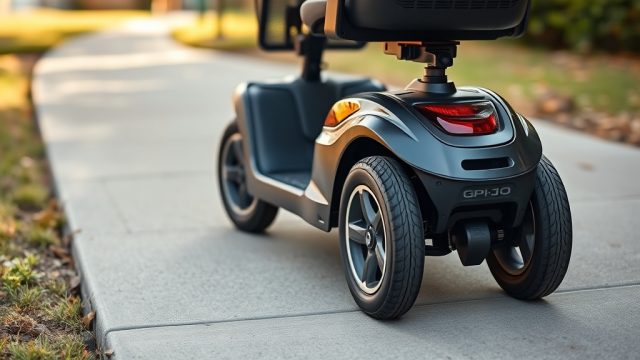
Another common source is a bent or damaged front fork, often from hitting a curb or pothole. Even minor bends can cause the wheel to track unevenly. Finally, under-inflated or unevenly worn tires can amplify wobble, especially on hard surfaces. Start your troubleshooting by checking tire pressure—the Buzzaround’s tires generally require 30–35 PSI for optimal stability.
If you’ve recently adjusted the handlebars for a better fit as outlined in our Golden Technologies Buzzaround Handlebar Height Adjustment: Ergonomic Guide, ensure all bolts are properly torqued; loose handlebar clamps mimic steering wobble.
How to Inspect and Tighten the Steering Headset Bearing
The steering headset bearing assembly is the first and most likely suspect. Here’s how to inspect it safely:
- Park the scooter on a level surface and turn off the power.
- Grasp the handlebars firmly and try to move them forward and backward. Any clicking or excessive movement indicates looseness.
- Look at the top of the steering column where the handlebar stem enters the frame. There should be a locknut and an adjusting nut (often behind a rubber cover).
- Using a wrench (typically 17mm or 19mm), loosen the locknut slightly, then tighten the adjusting nut in small increments (1/8 turn at a time) until the wobble diminishes. Do not overtighten or steering will become stiff.
- Re-tighten the locknut while holding the adjusting nut in place.
- Test ride at low speed. If wobble persists, the bearings may be worn and require replacement.
For more comprehensive scooter care during seasonal breaks, see Golden Technologies Buzzaround Winter Storage: Battery Care and Scooter Protection Guide.
Checking Wheel Bearings and Front Fork Alignment
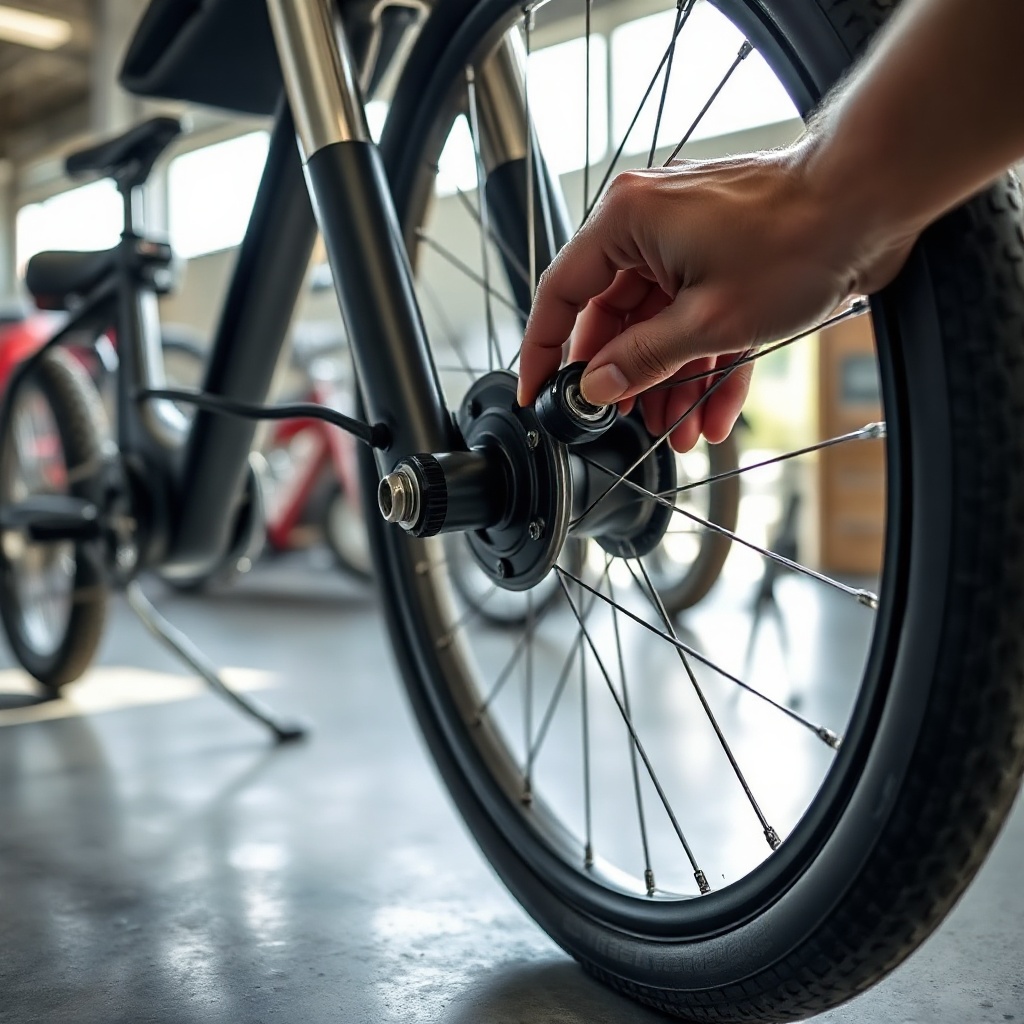
Wheel bearing wear is a common issue on scooters over 500 miles. To check, lift the front wheel off the ground using a scooter jack or blocks. Spin the wheel by hand—you should hear only a smooth, quiet rotation. Grinding, clicking, or resistance signals worn bearings. Also, grip the wheel at 12 and 6 o’clock and try to rock it. Any play means bearing replacement is needed.
Front fork alignment can be verified by measuring the distance from the top of the fork leg to the frame on both sides; they should be identical. A bent fork should be replaced by a professional, not hammered straight—this can compromise safety.
If you’re upgrading components to improve overall ride quality, consider our Golden Technologies Buzzaround Battery Upgrade: Lithium-Ion Conversion Guide for weight distribution benefits that can reduce front-end wobble.
Tire Imbalance and Pressure Correction Table
| Symptom | Likely Cause | Severity Level | Quick Fix |
|---|---|---|---|
| Wobble at low speed (2–4 mph) | Uneven tire wear or low pressure | Moderate | Inflate to 35 PSI; rotate tires if needed |
| Wobble at higher speed (5–7 mph) | Loose headset bearing | High | Tighten adjusting nut |
| Side-to-side handlebar vibrations | Wheel bearing wear | High | Replace bearings |
| Wandering or pulling to one side | Bent fork or misalignment | Critical | Professional repair or fork replacement |
| Shimmy only when turning | Loose steering column bolt | Moderate | Torque all steering column fasteners |
How to Rule Out Battery and Weight Distribution Issues
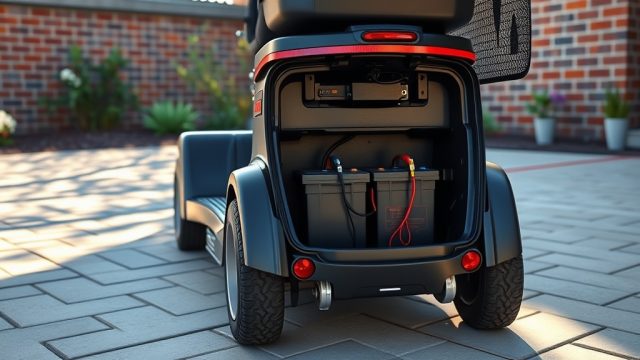
Less commonly, steering wobble can be linked to battery placement and overall weight balance. The Buzzaround’s battery is typically mounted under the seat or in the floorboard. If the battery shifts or is not secured properly, it can alter the center of gravity, causing the front end to feel light and prone to wobble.
Check the battery compartment: ensure the hold-down strap or bracket is tight and the battery terminals are clean. A loose battery can also create electrical intermittency, though that usually manifests as power dips rather than wobble.
If you’ve added a heavy aftermarket seat or cargo accessories, redistributing weight can help. Our Golden Technologies Buzzaround Seat Cushion Ergonomics: Comfort Upgrades and Customization Tips offers advice on seat setups that improve both comfort and stability.
What Owners Say About Buzzaround Steering Issues
Online forums and owner communities consistently highlight the headset bearing as the primary source of wobble. Many users report that a simple adjustment of the steering nut resolves the issue after owning the scooter for 6–12 months. Some owners note that the stock tires are prone to cupping wear if frequently used on rough pavement, so rotating tires every 300 miles helps maintain even tread.
One common tip from experienced owners: always carry a small wrench kit with 10mm and 13mm sockets for on-the-go adjustments. A minority of owners with heavier usage (over 1,000 miles per year) recommend upgrading to sealed cartridge bearings for the steering head, as they last longer than the stock ball bearings.
For those considering a new purchase, the Golden Technologies Buzzaround Buying Guide: Must-Know Features and Considerations provides a thorough overview of what to look for in both new and used models.
Frequently Asked Questions
1. Can I fix steering wobble myself without special tools?
Yes, in many cases. Tightening the headset bearing nut only requires basic wrenches. If the issue is minor tire pressure or loose bolts, no special tools are needed. Wheel bearing replacement does require a bearing puller kit and some mechanical confidence.
2. How much does it cost to fix a steering wobble on a Buzzaround?
If you do it yourself, a bearing replacement kit costs around £25–£40 (or about $30–$50 USD). Professional shop labor runs £60–£100 for headset adjustment, and up to £150 for fork or bearing replacement. In the UK, budget around £40–£80 for a typical repair.
3. Why does my Buzzaround wobble only when I accelerate?
Acceleration wobble often points to a loose steering column or worn bushings on the front suspension (if equipped). It can also be caused by a bent front fork. Check all fasteners first, then inspect the fork alignment.
4. How often should I inspect the steering system?
Every 100 miles or monthly, whichever comes first. Look for play in the headset, check tire pressure, and ensure all bolts are snug. During winter storage, a full inspection before spring use is recommended—see our Golden Technologies Buzzaround Winter Storage: Battery Care and Scooter Protection Guide.
5. Does a lithium battery upgrade affect steering stability?
Yes, because lithium batteries are typically lighter than lead-acid ones. This can reduce front-end weight and potentially increase wobble if not balanced properly. Our Golden Technologies Buzzaround Battery Upgrade: Lithium-Ion Conversion Guide discusses how to compensate with proper placement.
6. Can the seat cause steering wobble?
Indirectly. A loose or tilted seat can shift your body weight, affecting handling. Always check seat mounting bolts. Ergonomic seat upgrades may also shift your seated position, so read Golden Technologies Buzzaround Seat Cushion Ergonomics: Comfort Upgrades and Customization Tips for proper alignment.