Why Is Battery Replacement Necessary for the Golden Technologies Buzzaround?
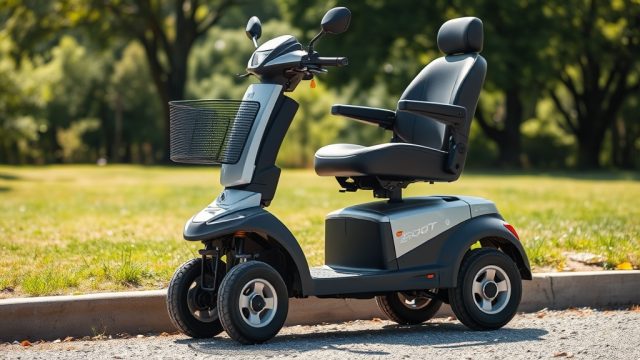
Owners of the Golden Technologies Buzzaround typically need to replace the battery every 12 to 18 months, depending on usage intensity and charging habits. A failing battery often shows warning signs: reduced range per charge, slower acceleration, or inability to hold a full charge. Addressing battery issues early prevents being stranded and ensures the scooter remains a reliable mobility aid.
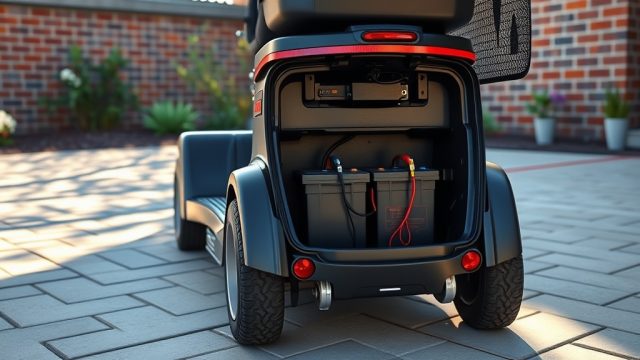
The Buzzaround uses two sealed lead-acid (SLA) batteries, commonly 12V 20Ah each, wired in series to produce 24V. Upgrading to gel cell or AGM batteries can extend lifespan, but replacements must match the original voltage and dimensions. Proper replacement restores performance and avoids damage to the scooter’s controller and motor.
What Tools and Supplies Do You Need for the Replacement?
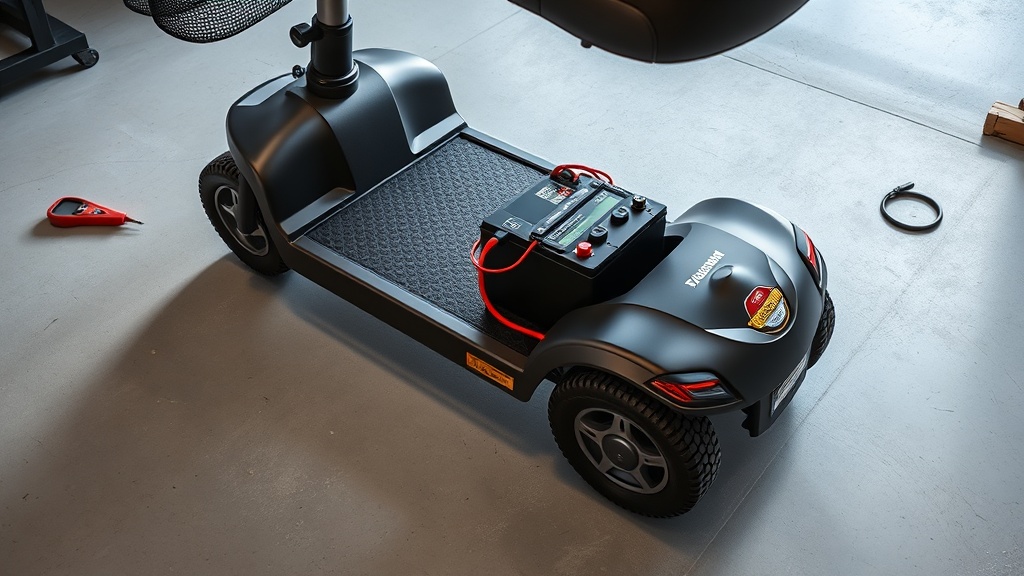
Gathering the correct tools before starting saves time and prevents damage. The Buzzaround battery compartment is under the seat or in the front shroud, depending on the model year. Most models require a standard set of hand tools and safety gear.
- New batteries: Two 12V 20Ah SLA batteries (check dimensions: typically 5.9″ x 3.9″ x 4.9″ each).
- Screwdrivers: Phillips-head and flat-head (size #2 recommended).
- Wrenches: 8mm and 10mm socket or open-end wrenches for battery terminals.
- Safety equipment: Insulated gloves and safety glasses.
- Multimeter: For testing voltage before reconnection.
- Corrosion cleaner: Baking soda solution or terminal cleaner spray.
- Wire brush or terminal cleaner tool.
- Zip ties (optional, for cable management).
Cost for a pair of quality replacement batteries ranges from £80 to £140 in the UK, or roughly $100 to $180 in the US market, depending on brand (like PowerSonic or UB12120).
How Do You Safely Remove the Old Batteries?
Safety is paramount when working with lead-acid batteries, which contain sulfuric acid and can produce explosive hydrogen gas. Always work in a well-ventilated area and disconnect the scooter’s main power switch first.
- Turn off the scooter and remove the key from the ignition.
- Open the battery compartment. On most Buzzaround models, lift the seat (if mounted on post) or unscrew the front shroud panel (for carry-on models).
- Using a multimeter, verify that there is no residual voltage (all readings should be near 0V).
- Using the 8mm or 10mm wrench, carefully loosen the nut on the negative (-) terminal first—this reduces the risk of shorting tools against the chassis.
- Detach the negative cable and insulate the terminal end with electrical tape.
- Repeat step 4 and 5 for the positive (+) terminal.
- Gently lift the batteries out using the handles (if present) or by grasping the edges. Note the orientation of the terminals to match the new batteries.
- Clean any corrosion or white residue from the battery tray and cables with the cleaning solution and a wire brush.
Warning: If you see cracks, bulges, or fluid leaks on the old batteries, wear chemical-rated gloves and place them in a sealable plastic bag for recycling. Lead-acid batteries must be disposed of at approved recycling centres.
What Is the Correct Wiring Sequence for the New Batteries?
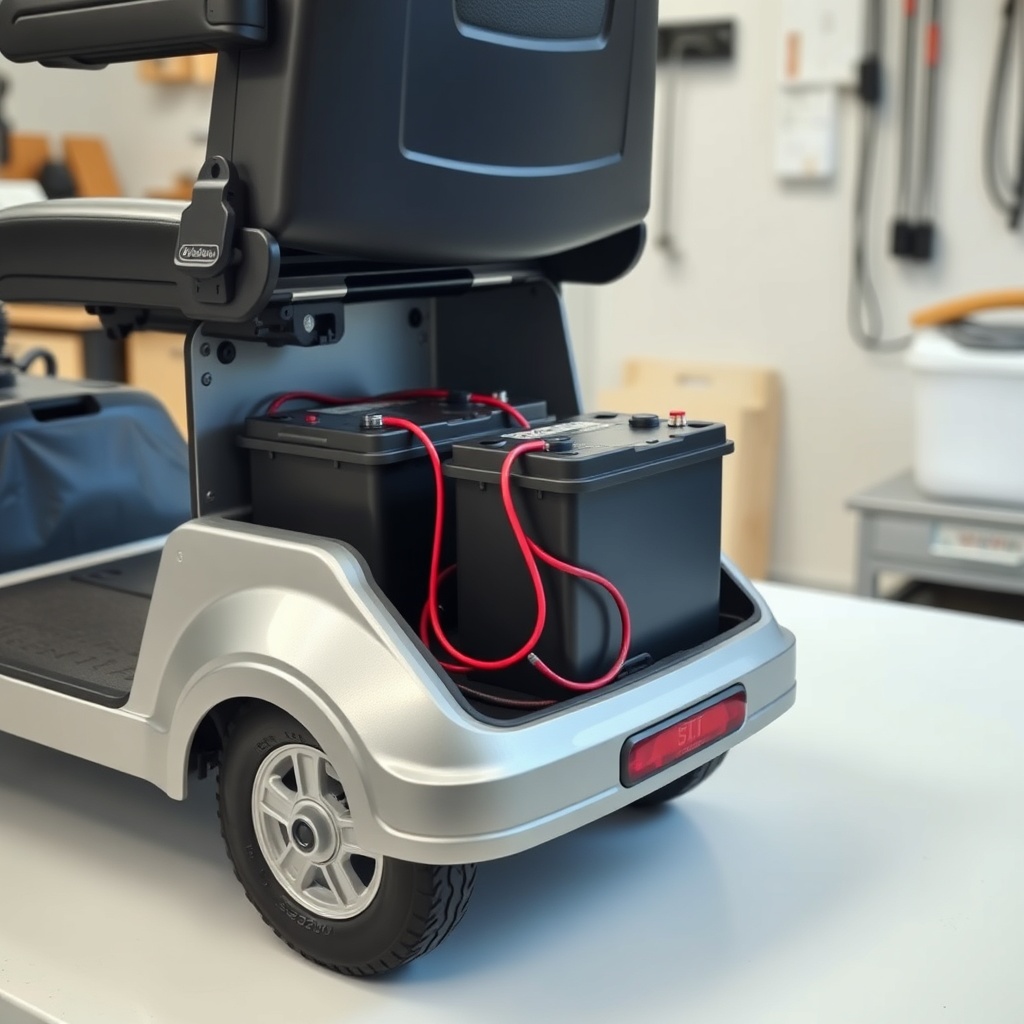
Incorrect wiring can damage the scooter’s controller or create a fire hazard. The Buzzaround uses a series connection: connect the positive terminal of one battery to the negative terminal of the other battery. The remaining free terminals connect to the scooter’s power cables.
| Component | Connection | Wire Color | Torque (Nm) |
|---|---|---|---|
| Battery 1 (Positive) | To Battery 2 (Negative) | Black (jumper cable) | 4.5 – 5.5 |
| Battery 1 (Negative) | To scooter negative (black wire) | Black | 4.5 – 5.5 |
| Battery 2 (Positive) | To scooter positive (red wire) | Red | 4.5 – 5.5 |
| Battery link jumper | Between terminals (series) | Black or unmarked | 4.5 – 5.5 |
After securing all connections, apply a thin layer of petroleum jelly or dielectric grease to terminals to prevent corrosion. Use zip ties to bundle wires away from moving parts like the seat swivel mechanism.
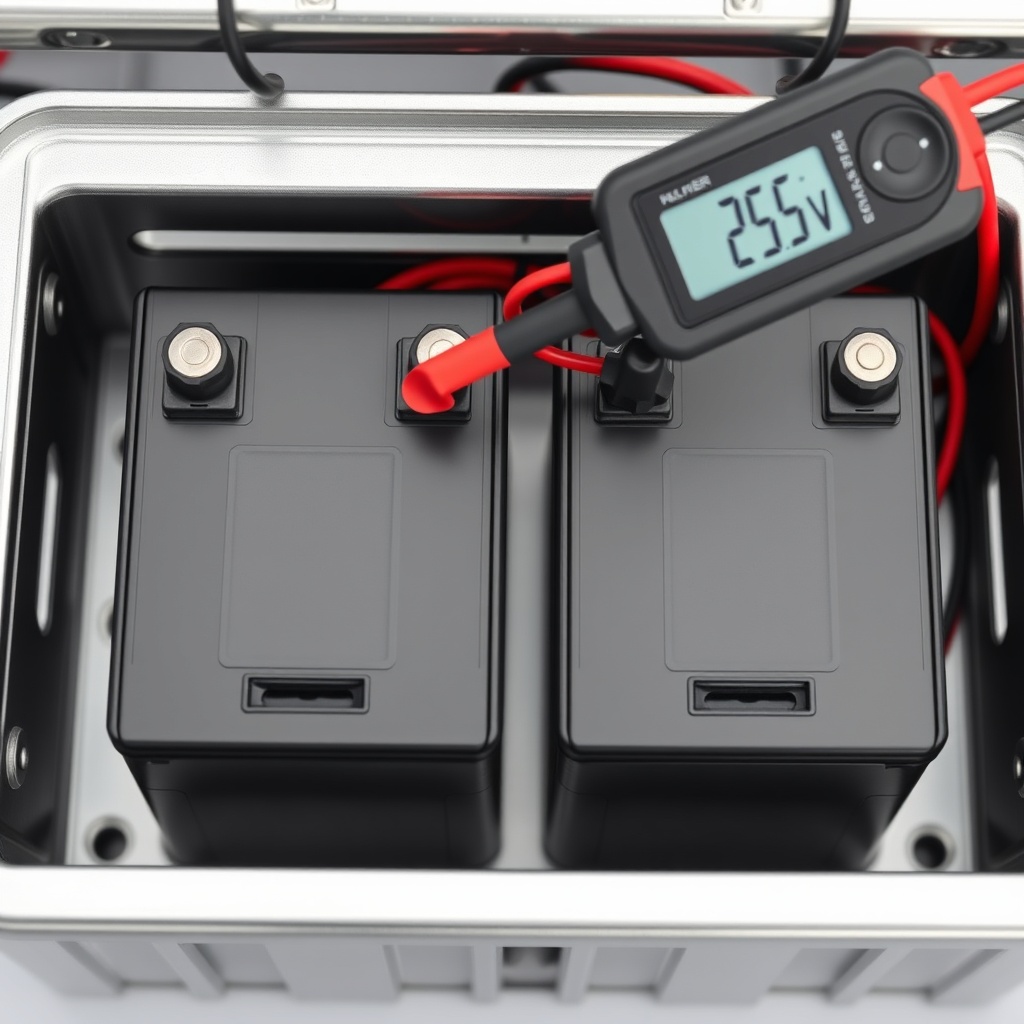
Before closing the compartment, double-check that the total voltage across the series string reads 24V to 26V on the multimeter (a fully charged new pair reads ~25.6V).
How Do You Reset the Scooter After Battery Installation?
After connecting new batteries, some Buzzaround models require a controller reset to recognize the fresh power source. Without this step, the scooter may not power on or may show error codes.
- Ensure all battery connections are secure and the compartment is closed.
- Insert the key into the ignition and turn to the “OFF” position.
- Connect the scooter to its charger and charge for at least 8 hours (or until the charger indicates full green). This primes the new batteries for the first proper cycle.< /li>
- After charging, unplug the charger and turn the key to “ON”.
- If the scooter does not respond, locate the manual reset button (typically a small black or red button near the controller box under the seat). Press and hold for 5 seconds.
- Test the scooter slowly: engage the throttle, steering, and brake functions to confirm normal behaviour.
If the scooter still fails to move, refer to our guide on Golden Technologies Buzzaround Troubleshooting: Steering and Control Issues for further diagnostic steps. Speed irregularities after replacement may indicate a voltage mismatch—see Golden Technologies Buzzaround Troubleshooting: Resolving Speed Control Issues.
What Do Owners Say About Battery Life After Replacement?
In forums and product reviews, Buzzaround owners consistently report that using premium AGM or gel batteries extends runtime by 20% to 30% compared to standard flooded SLA batteries. Many praise the difference in hill climbing and sustained speed after swapping to higher-amp-hour models (e.g., 22Ah or 24Ah) while still fitting the stock tray.
One owner on a mobility scooter forum noted: “After replacing the original batteries with PowerSonic 12V 22Ah AGMs, my 2019 Buzzaround goes a solid 18 miles on mixed terrain—versus 13 miles with the old ones.” Another common theme is that regular charging (after every use, not letting the battery drop below 20%) dramatically increases longevity, with some reaching two years before needing a second replacement.
However, some users caution that aftermarket batteries with incorrect dimensions can block the compartment door or pinch cables. It’s essential to verify measurements against the scooter’s battery tray before purchasing. For those prioritising portability, see our Golden Technologies Buzzaround Portability: Disassembly and Transport Tips for battery removal strategies when travelling.
Frequently Asked Questions
1. Can I use lithium batteries in my Golden Technologies Buzzaround?
Technically yes, but most Buzzaround chargers are designed for SLA chemistry. Lithium batteries require a specialised charger with a different charging profile. Using an incorrect charger can damage the battery or cause overheating. If retrofitting, purchase a lithium conversion kit that includes a compatible charger and BMS (battery management system). Expect to pay £250 to £400 for a quality drop-in lithium replacement set.
2. How do I know if my Buzzaround batteries need replacement?
Common signs include: driving range dropping below half of the original distance (models range 12–18 miles), the scooter hesitating on inclines, the battery meter showing full after only a short charge, or physical swelling of the battery case. A voltage test below 23V on a fully charged pack indicates worn-out cells.
3. What is the average cost to replace Buzzaround batteries?
In the UK, a pair of 12V 20Ah SLA batteries typically costs £70–£110. In the US, expect $90–$140 from major retailers. Installation cost from a dealer ranges from £30 to £60 (UK) or $40–$80 (US). Doing it yourself saves that fee, but warranty on the batteries may require professional installation from some brands.
4. Should I replace both batteries at the same time?
Absolutely. Replacing only one creates an imbalance: the new battery will degrade faster to match the old one’s capacity, and range will remain suboptimal. Always replace both batteries in a pair even if only one shows signs of failure.
5. How often should I charge new Buzzaround batteries?
Charge after every use, even if only for a short trip. Avoid deep discharging below 20% capacity. For the first three cycles, charge the new batteries for 12–14 hours to fully condition them. Thereafter, a standard 4–6 hour charge is sufficient for a full fill.
6. Why does my Buzzaround stop moving when the battery meter still shows half full?
This usually indicates a “voltage sag” under load—the batteries appear full at rest but drop sharply when the motor draws current. It can also signify a loose connection or a faulty controller. First, tighten all terminal nuts and check for corrosion. If the issue persists, test the batteries under a simulated load. For detailed guidance, see Golden Technologies Buzzaround Troubleshooting: Steering and Control Issues.