Why Is My Golden Technologies Buzzaround Not Responding to the Throttle?
Owners of the Golden Technologies Buzzaround may occasionally encounter a frustrating situation where the scooter fails to respond when the throttle is engaged. This can stem from a few common, often simple, root causes. Before assuming a major electrical fault, it is wise to check the most accessible components. A dead or deeply discharged battery is the most frequent culprit; the voltage may be too low to power the controller. However, if the battery indicator shows a full charge, the issue likely lies within the throttle mechanism itself or the connections between the tiller and the main controller.
Begin troubleshooting by turning the scooter off, waiting 30 seconds, and turning it back on. If the scooter beeps an error code (often a set of beeps followed by a pause), consult your owner’s manual. A faulty throttle potentiometer can cause intermittent response. The potentiometer is a small sensor inside the throttle housing that reads how far you’ve twisted or pushed the lever. Over time, dust or wear can cause it to send inconsistent signals. Cleaning the throttle assembly with a contact cleaner (avoiding silicone-based sprays) can sometimes restore normal function. If cleaning fails, replacement of the throttle control unit is often necessary, which can be sourced through Golden Technologies dealers or online mobility retailers. A loose connector wire at the tiller base is another common offender; inspect the wiring harness for any frayed or pinched cables, especially where the tiller folds.
Proper battery care is crucial for preventing such issues. Check all battery terminal connections for corrosion and ensure they are tight. A loose connection mimics a dead battery. If the throttle still yields no response, the controller—the brain of the scooter—may have failed. Controller replacement is more involved and typically requires a technician, as it often needs programming to match the Buzzaround’s motor specifications.
What Does a Continuous Beeping Mean When I Turn the Scooter On?
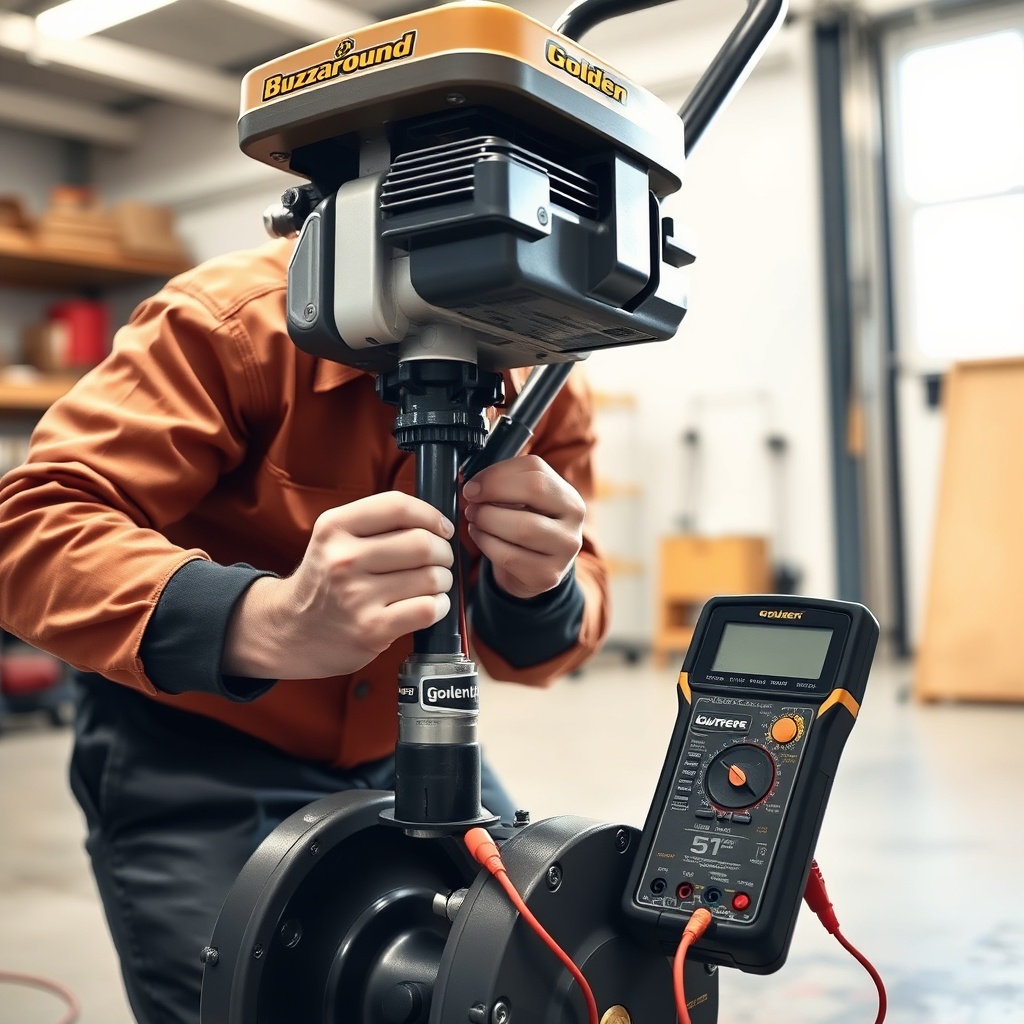
A Golden Technologies Buzzaround that beeps continuously—usually a repeating pattern of beeps—is alerting you to a fault within the system. This is a diagnostic code built into the controller. Unlike a single beep that confirms power, a continuous beep almost always indicates a problem with the motor, brake, or a short circuit in the wiring. The pattern matters: for example, two beeps often signal a low-voltage or battery issue, while four or more beeps typically point to a motor or brake fault.
Common causes for continuous beeping include:
- Brake disengagement failure: The electromagnetic brake on the rear wheel may not be releasing. This can happen if the brake lever is engaged (in freewheel mode) but the scooter is turned on, or if the brake mechanism is stuck due to debris. Ensure the freewheel lever is fully in the drive position (usually pushed down or to the rear).
- Motor hall sensor failure: The motor contains small sensors that tell the controller when the motor is rotating. If one of these sensors fails, the controller will beep and refuse to drive to prevent damage.
- Short circuit in wiring: A pinched wire inside the tiller or under the seat can cause a short, triggering an alarm. Inspect all visible wires for cuts or melting.
To narrow down the cause, disconnect the motor harness from the controller (with the scooter off). If the beeping stops when you reconnect the harness, the motor is likely at fault. If the beeping persists, the controller may be damaged. A limited number of beeps (e.g., 3-5) that stop after a few seconds may indicate a throttle calibration issue. In that case, you can try resetting the controller by disconnecting the batteries for 10 minutes. For persistent faults, consult a certified Golden Technologies repair center, as testing motor and controller circuits requires specialized tools.
How Can I Fix a Wobbly or Unstable Steering Column?
Over time, the tiller (steering column) on a Golden Technologies Buzzaround can develop play or wobble, especially if the scooter is frequently disassembled for transport or used on uneven terrain. A loose tiller not only feels unsafe but can also affect steering precision and accelerate wear on control cables. The primary source of wobble is usually the tiller pivot bolt or the locking mechanism that secures the tiller in the upright position.
Step-by-step tightening procedure:
- Locate the main hinge bolt at the base of the tiller, where it attaches to the chassis. This bolt often uses a hex (Allen) or socket head. Tighten it to the manufacturer’s specification—typically 15–20 Nm (11–15 ft-lb). Do not overtighten, as this can crack the plastic housing.
- Check the set screws on the tiller locking collar (if equipped). These small screws can loosen from vibration. Apply a dab of blue Threadlocker (Loctite) to each screw before retightening.
- Inspect the nylon bushings inside the tiller pivot. If they are worn or cracked, replacement is necessary. Worn bushings cause a lateral wobble that tightening alone cannot fix.
- Examine the steering damper (if present). This component controls the speed of steering. A loose or leaking damper contributes to unstable feel.
- Check the main fuse: A blown fuse will cut power to the entire system, including the display. Replace a blown fuse with one of identical amperage (typically 40–50A for the Buzzaround).
- Inspect the display connector: Behind the tiller shroud, a small ribbon cable or multi-pin connector links the display to the controller. This can work loose from vibration. Remove the shroud (two to four screws) and reseat the connector firmly.
- Test the controller output: With a multimeter set to DC volts, probe the power pins at the display connector. You should read battery voltage (typically 24V for a 24V system or 12V for a 12V system). If voltage is present but the display is dead, the display unit itself is faulty.
- Look for moisture: Water ingress into the tiller shroud can short the display circuit. Dry out any moisture and apply dielectric grease to the connector pins to prevent recurrence.
- Clean the throttle assembly with electronic contact cleaner. Rotate the throttle through its full range while spraying.
- Inspect all battery cable connections—both at the batteries and at the controller. A loose connection creates voltage drops that cause surging.
- Test the battery voltage under load. Park the scooter and engage the throttle while reading battery voltage with a multimeter. A drop of more than 2V indicates weak batteries that need replacement.
- If the controller is overheating, ensure the cooling vents are not blocked by dirt or debris. Consider relocating the controller if it is in a poorly ventilated area of the chassis.
Understanding the build quality of the Buzzaround can help you locate potential weak points. For most riders, a simple bolt tightening every six months will eliminate wobble. If wobble persists after tightening all accessible fasteners, check for cracks in the tiller’s plastic shroud or the metal mounting bracket. Cracks beyond the cosmetic level require structural repair or part replacement.
Why Does My Buzzaround Pull to One Side While Driving?
A scooter that consistently veers left or right is both annoying and potentially dangerous. For the Golden Technologies Buzzaround, this issue usually originates in one of three areas: tire pressure, alignment, or brake drag. Unlike a car, scooters do not have traditional camber or toe adjustments, but the steering geometry can still be thrown off by wear or loose components.
Tire pressure: This is the easiest fix. Under-inflated tires create uneven rolling resistance. Pump both tires to the recommended PSI (usually 30–35 psi for the Buzzaround, check the sidewall). Uneven pressure is a primary cause of pulling.
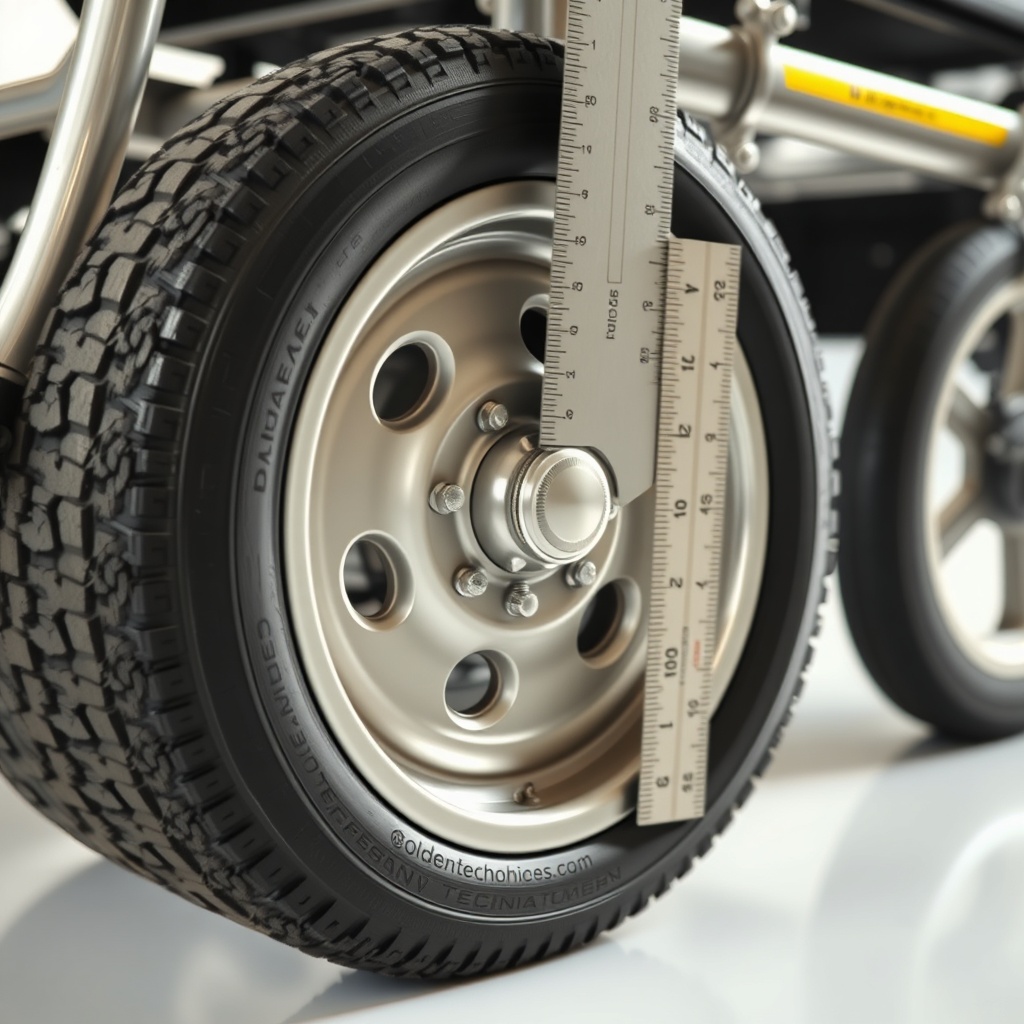
Alignment: If the tiller is not centered relative to the front wheel, the scooter will pull. This can happen after a disassembly or if the scooter was dropped. Loosen the tiller pivot bolt slightly, center the wheel by eye, and retighten. For more precise alignment, measure from the wheel rim to the chassis frame on both sides; the distances should be equal.
Brake drag: The electromagnetic brake may not be fully releasing. This creates a constant drag on one side, causing the scooter to pull away from that side. Listen for a scraping sound when pushing the scooter manually (with the freewheel lever engaged). If you hear it, inspect the brake pad clearance. On some Buzzaround models, the brake unit can be adjusted with a small hex screw to increase clearance.
How Do I Troubleshoot a Non-Functional Tiller Display or Gauges?
The informational display on the Buzzaround’s tiller—usually a battery meter and speed indicator—can fail due to electrical issues, water damage, or loose connections. When the display is blank or shows erratic readings, the scooter may still drive, but you lose critical feedback. This is often a simple connectivity problem before it becomes a complete failure.
Diagnosis steps for a dead display:
Replacing a bad display unit is straightforward once you have the correct part number. Prices for a replacement Buzzaround display module range from £45 to £85, depending on the model year. Installing is simply a matter of plugging in the new unit and snapping it into the tiller housing.
What Causes Jerky or Surge-Like Acceleration?
A Golden Technologies Buzzaround that accelerates in sudden bursts instead of smoothly is symptomatic of a poor connection or a failing controller. This condition, sometimes called “cogging” or “surging,” can be unnerving and may worsen over time. The most common cause is a dirty or failing throttle potentiometer, as mentioned earlier, but other factors are also at play.
Potential causes for surging:
| Symptom | Likely Cause | Severity | Estimated Repair Cost (USD) |
|---|---|---|---|
| Bursts upon initial throttle | Throttle potentiometer dirty or failing | Moderate | $40–$80 |
| Surges after driving 5+ minutes | Controller overheating or thermal fault | High | $150–$300 |
| Intermittent surging on bumps | Loose wire or connector in tiller harness | Low | $0–$20 (DIY) |
| Slow response then jerk forward | Battery voltage drop during load | Moderate | $80–$200 (battery replacement) |
Troubleshooting steps:
Real-world battery performance heavily influences throttle behavior. Low-quality or aged batteries cannot deliver steady current, leading to surging. Replacing batteries with high-quality AGM or lithium units, combined with a controller reset, often resolves the problem completely.
What Owners Say
Golden Technologies Buzzaround owners frequently praise the scooter’s overall reliability but note that steering and control issues tend to emerge after one to two years of regular use. On forums and product review sites, the most common complaint is the tiller developing play (around month 18), followed by throttle inconsistency in wet conditions. Many owners successfully resolve the throttle issue by applying dielectric grease to the throttle connector.
Several owners recommend adjusting the seat and armrests to improve weight distribution, which indirectly helps with steering precision. A well-centered rider reduces strain on the tiller pivot. Another tip shared by long-term users is to disassemble the scooter correctly for storage to avoid bending the tiller housing during transport. The general consensus among the community is that while the Buzzaround may require occasional tinkering, the fixes are usually inexpensive and within the ability of a handy owner. For those less comfortable with mechanical work, Golden Technologies dealer support is responsive, with most repair costs falling between £50 and £150 for labor on control-related jobs.
Frequently Asked Questions
Q: My Buzzaround beeps five times and won’t move. What does that mean?
A: Five beeps typically indicate a motor hall sensor fault or a motor disconnection. Check the motor connector at the rear wheel; if it’s secure, the motor may need servicing. This requires a professional diagnosis to test the hall sensor voltages.
Q: Can I adjust the steering sensitivity on my Buzzaround?
A: The Buzzaround does not have an adjustable steering sensitivity setting. However, if it feels too twitchy, check tire pressure and ensure the tiller pivot is not too loose. A loose tiller amplifies steering input.
Q: How often should I tighten the tiller pivot bolt?
A: Inspect it every three months. Tighten only if you feel side-to-side play. Over-tightening can crack the plastic shroud.
Q: Why does my scooter jerk forward when I release the brake?
A: This suggests the throttle is slightly engaged when you release the brake, or the brake is not fully disengaging. Reset the controller by disconnecting the battery for 10 minutes. Also, clean the throttle. If it continues, the brake may need adjustment.
Q: Is there a fuse that could cause steering issues?
A: A blown main fuse will stop the scooter completely, not just cause steering issues. However, a partially blown fuse on the controller’s power circuit can cause erratic behavior. Check the fuses and replace if the metal strip is broken.
Q: Where can I find the error codes for my Buzzaround?
A: The user manual includes a diagnostic code chart. For models without a manual, Golden Technologies customer support can provide the list. Alternatively, many independent mobility repair shops have the codes memorized.